
Advancement preview lets the head judge see projected places and advancement that have not yet been published and are not visible to spectators or athletes. It includes all received scores, including unconfirmed scores, so the head judge can check the projected lineup before approving attempts.
Check the projected lineup
-
Open Head judge in the event menu and select the heat.
-
Click Advancement preview.
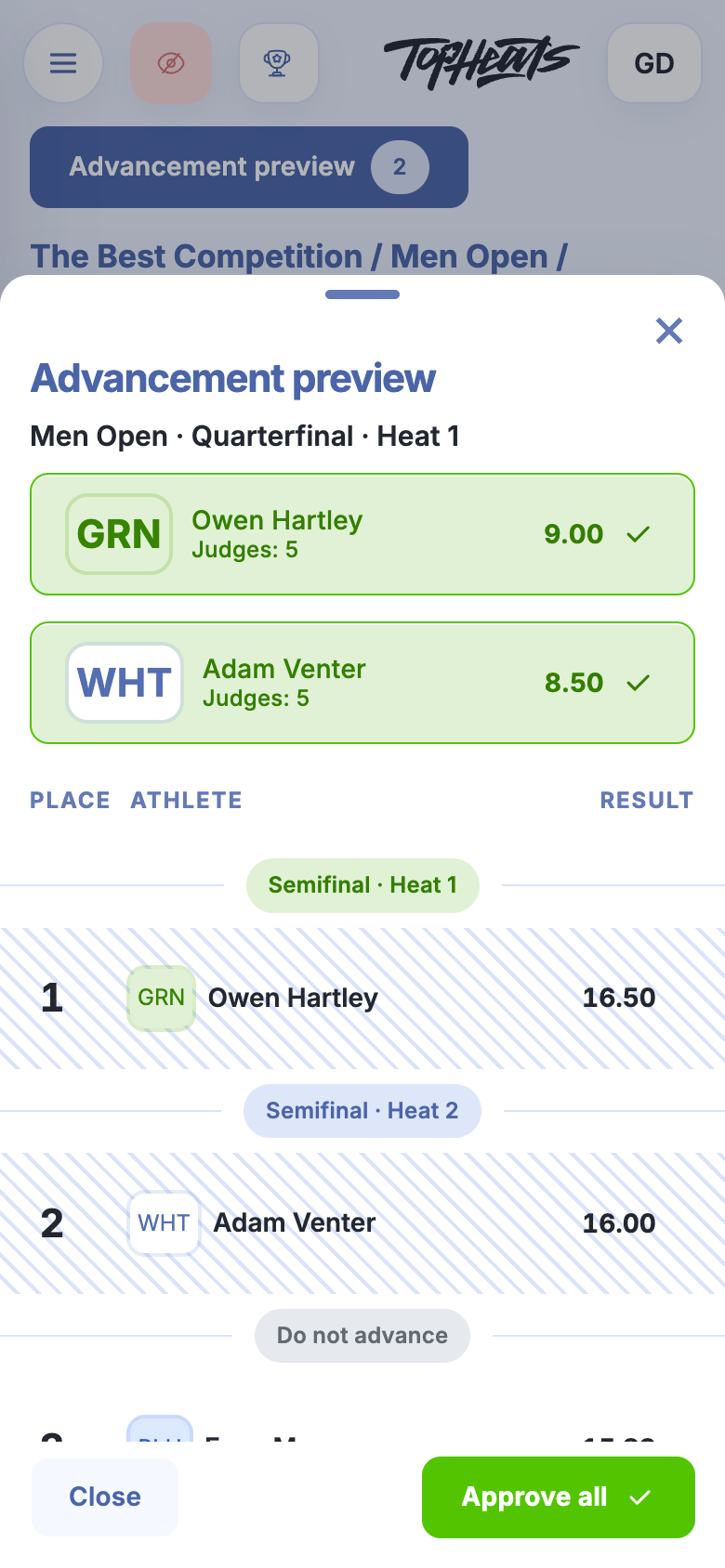
-
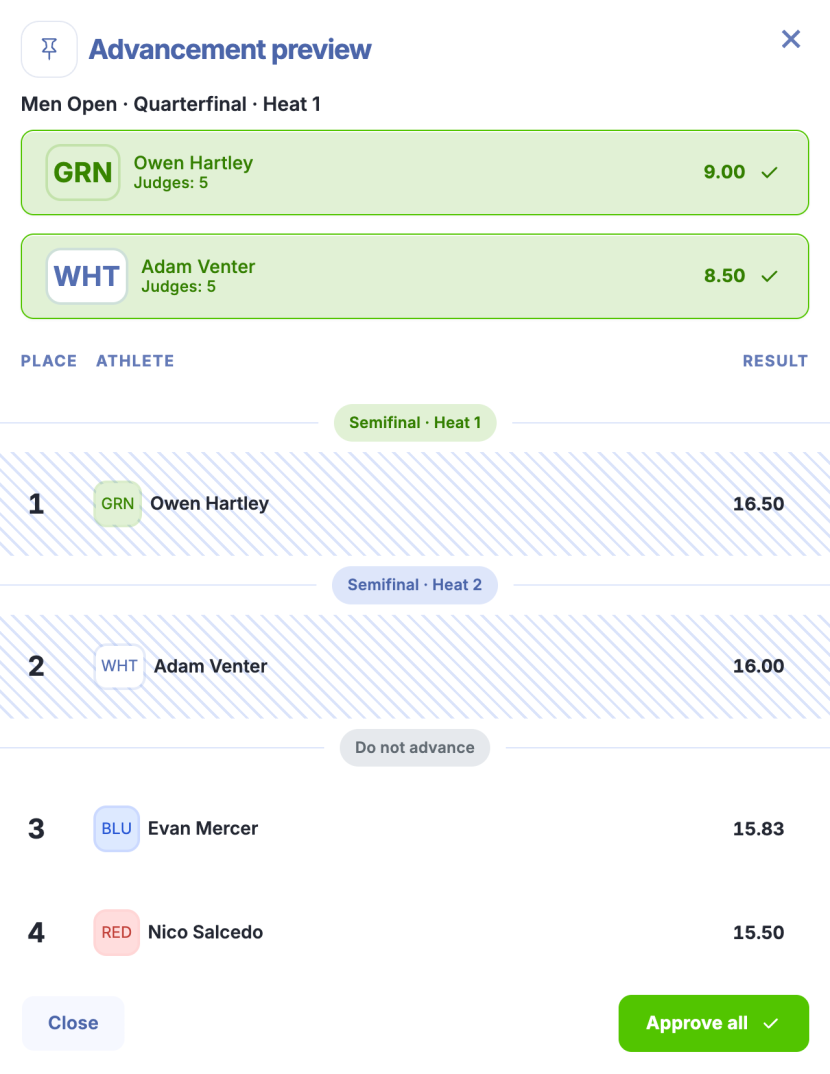
Check the places and destinations. The heading above each group shows the next round and heat. Do not advance groups athletes who would not advance based on the current scores.
A striped row includes unconfirmed scores. A dash in place of a result means no scores have been received yet.
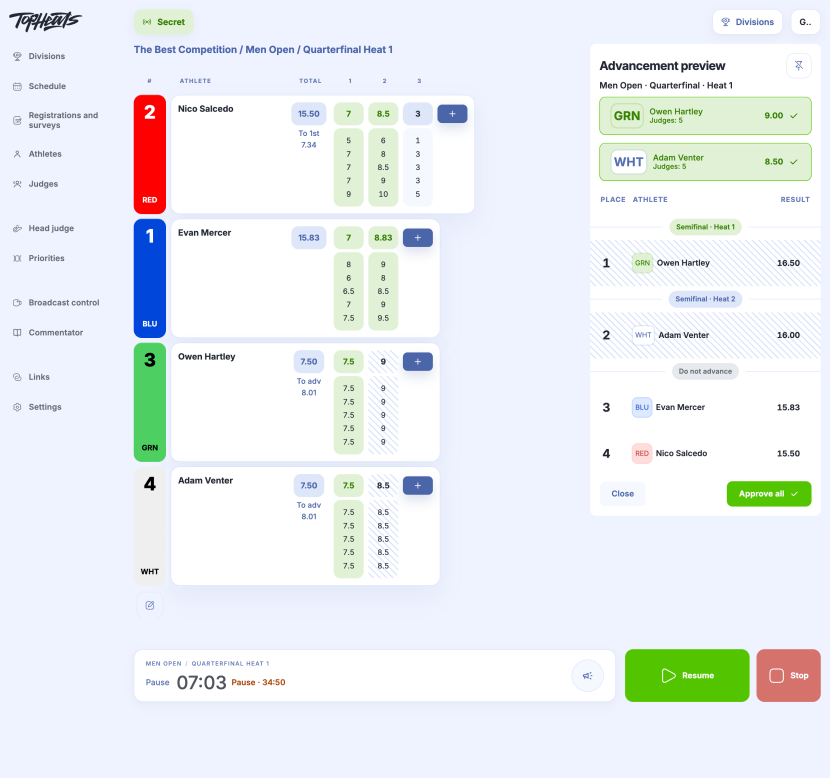
Evan (15.83) and Nico (15.50) lead in the main table. The green and white riders each have 7.50 counted so far. Their second attempts, 9.00 and 8.50, are awaiting approval.
The preview already includes these attempts: green takes first place with 16.50, and white takes second with 16.00. Under this projection, they would reach the semifinals, while Evan and Nico would not advance.
On a phone, scroll the table inside the panel to see the remaining places.
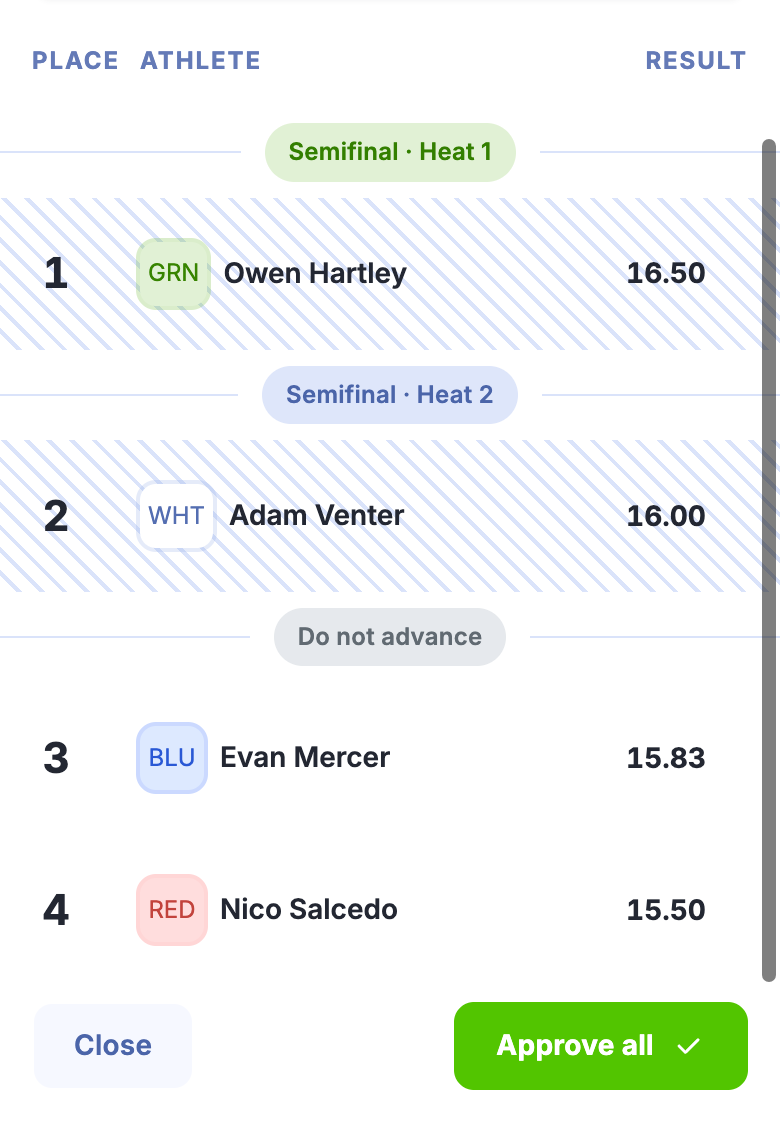
The projection can change as new scores arrive. Viewing the preview does not approve scores or move athletes into the next heats.
On a computer, click Pin panel to keep the preview beside the score table. On a phone, it opens as a separate panel.
Approve reviewed attempts
Before approving, check how many judges have scored and review any penalties. To change a score or penalty, open the attempt in the main table. See Approving scores for details.
- To approve one attempt, click its score and checkmark button above the preview table. In this example, it is green’s 9.00 ✓ or white’s 8.50 ✓, with Judges: 5 below the name.
- To approve all available attempts, click Approve all at the bottom of the panel.
If advancement is based on round results, the preview may include several heats in that round. Approve all then applies to available attempts across all heats shown.
If you see “Scores have changed. Review the updated preview.”, review the new values before approving again.
Scores can be approved in the preview while the heat is running or paused. Once the scores have been reviewed and approved, finish the heat.