
Create an account to compete, judge competitions and post in the broadcast chat.
-
On the TopHeats website, click Registration.
-
Fill in the required fields. If you do not plan to compete, untick Create an athlete profile. You can add a profile later in Account settings.
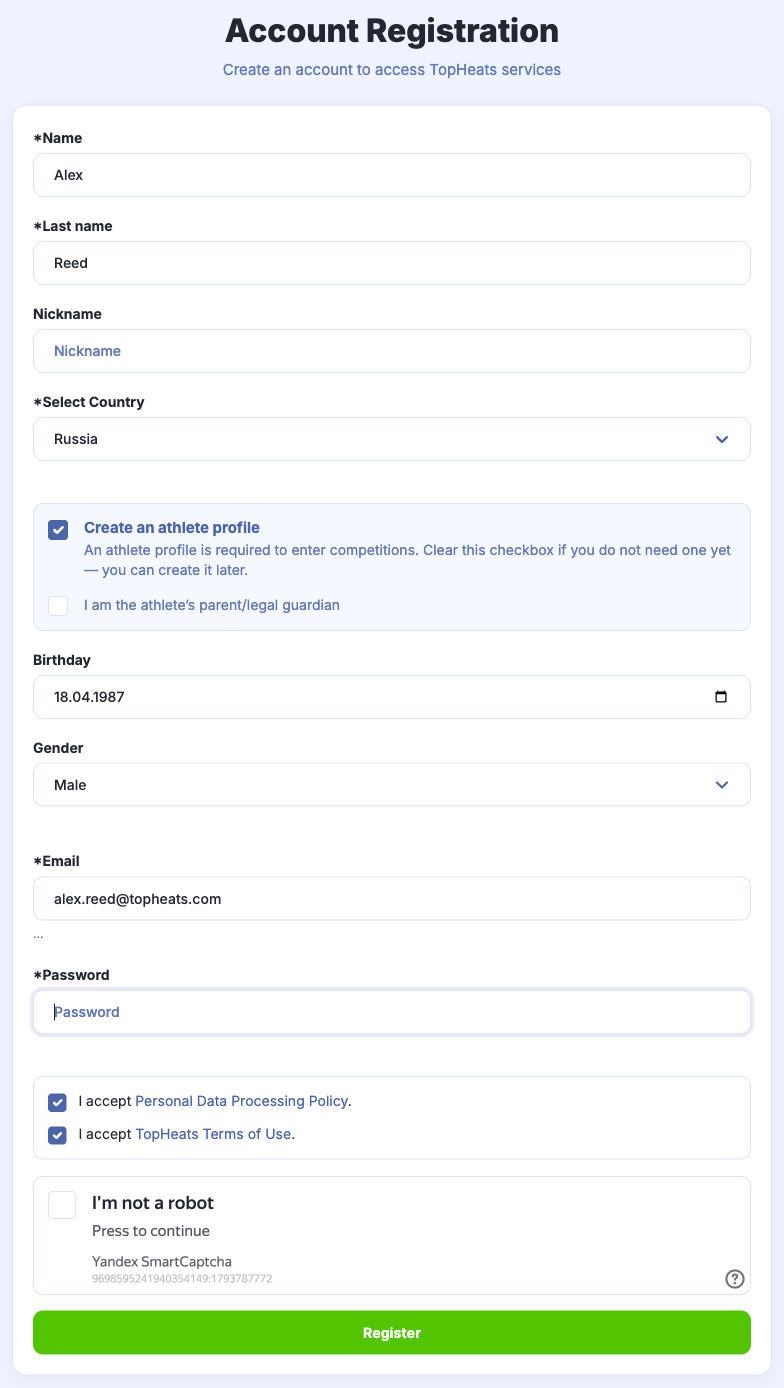
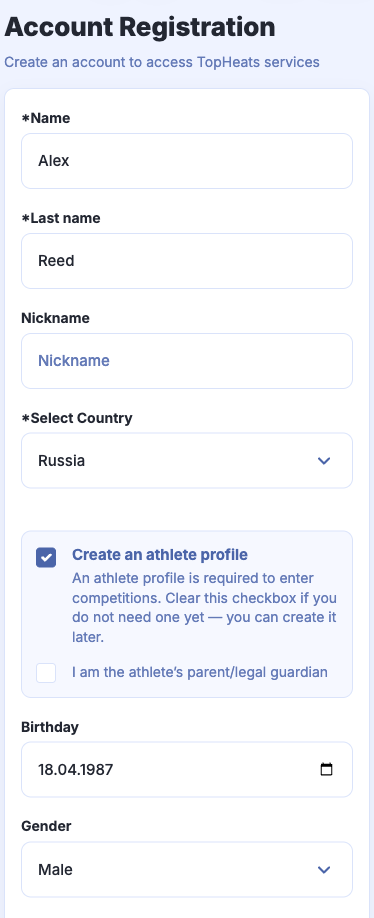
-
When ready, click Register.
-
To use the account for judging, open Account settings and enable Judge mode.
Registering a child
Select I am the athlete’s parent/legal guardian. Fill in the child's details and your own contact details in the parent section. Use your own email to sign in.
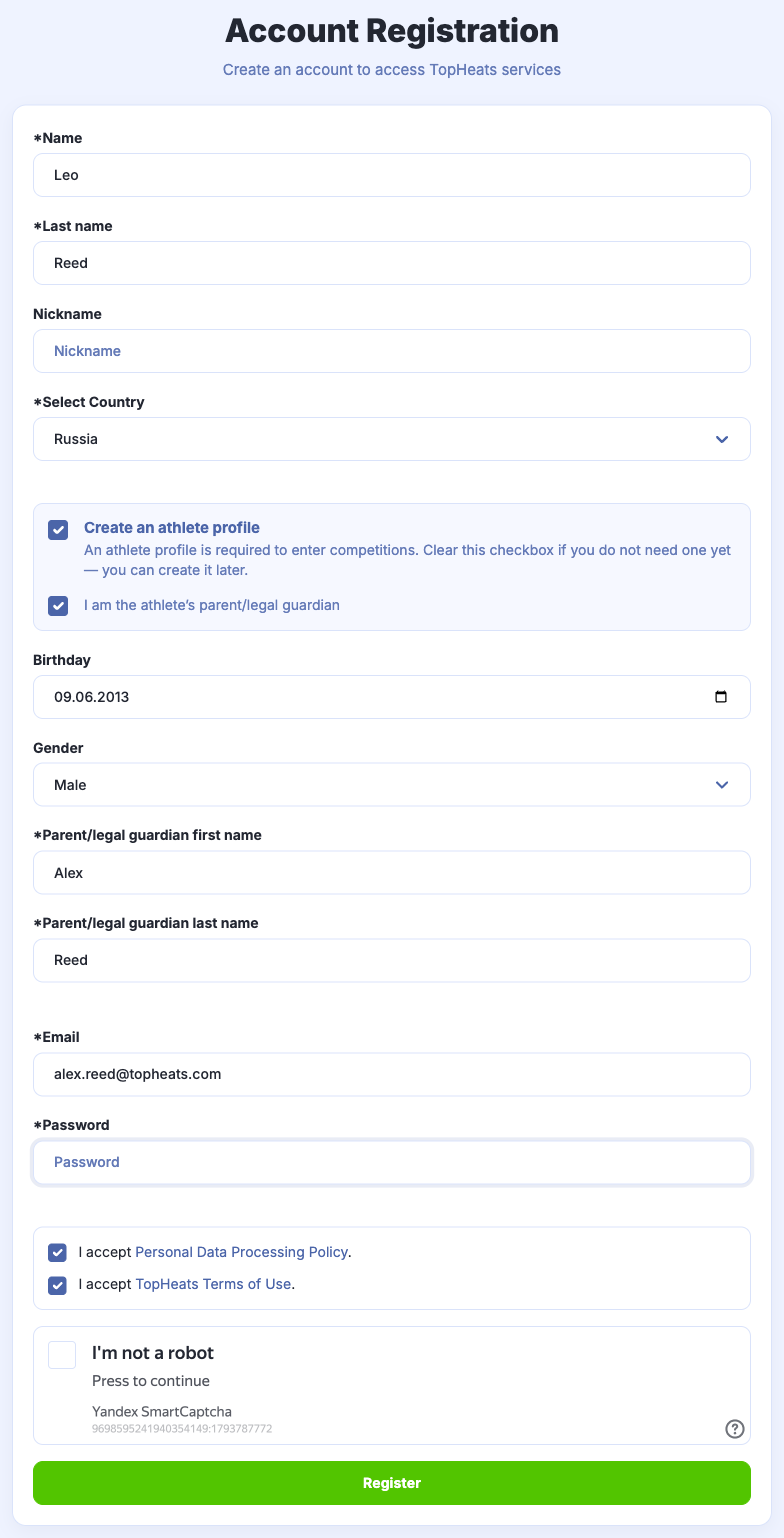
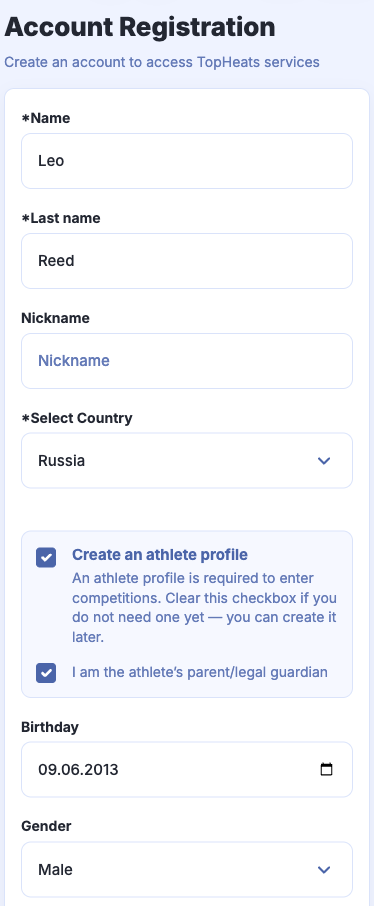
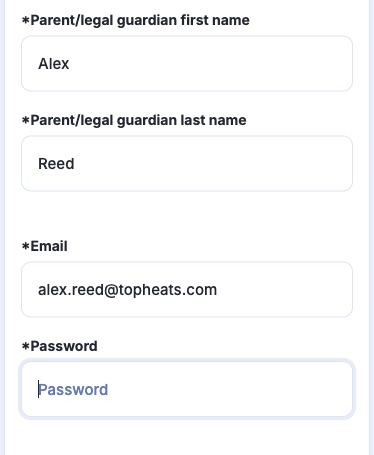
Click Register. You can add your other children to the same account.
To enter a competition, submit an application.