
You can register all your children through one account.
Create an account
-
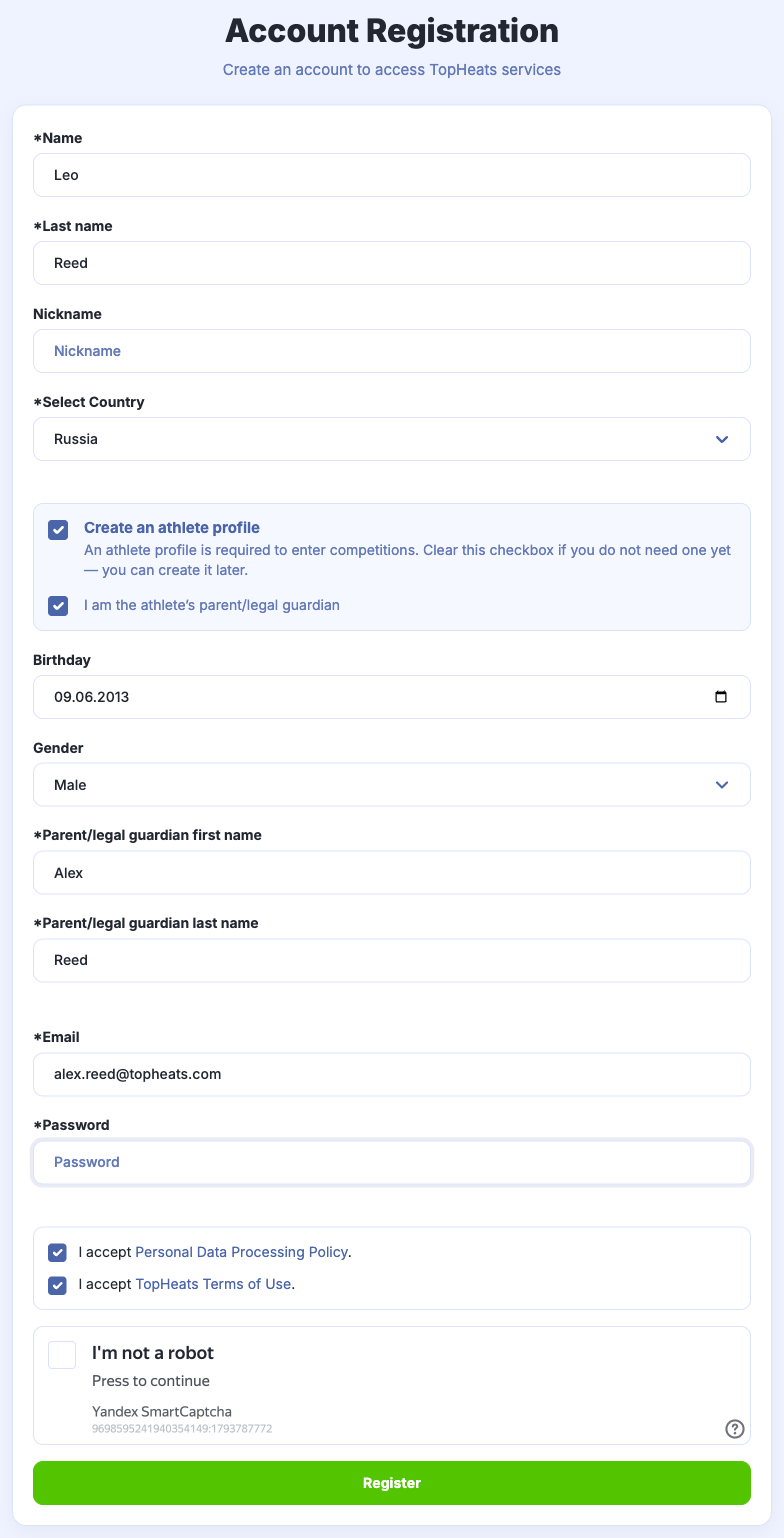
On the TopHeats website, click Registration.
-
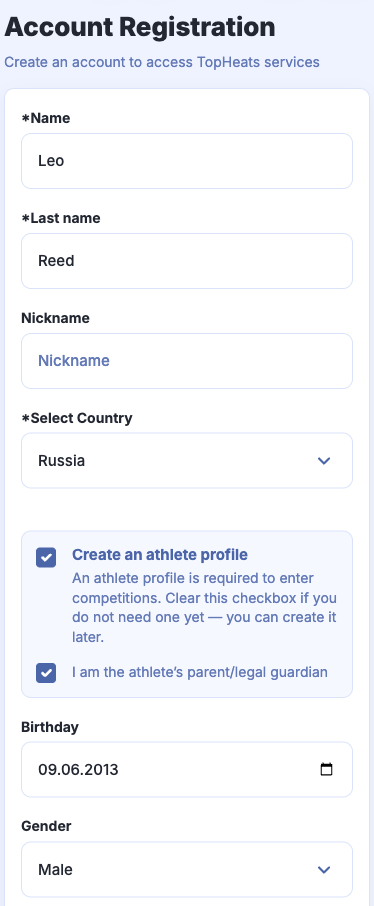
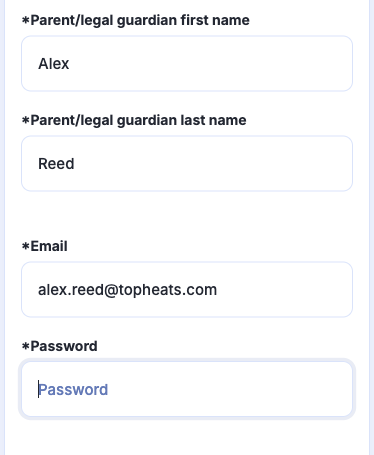
Select I am the athlete’s parent/legal guardian. Fill in the first child's details and your own contact details in the parent section.
-
Click Register.
Add the other children
-
Click Add athlete in the sidebar. On mobile, open Menu first.
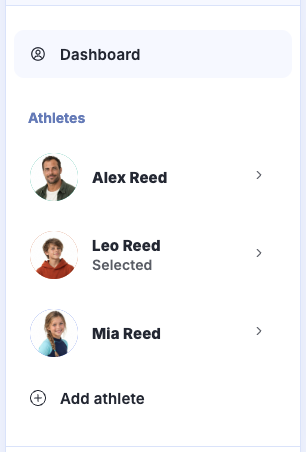
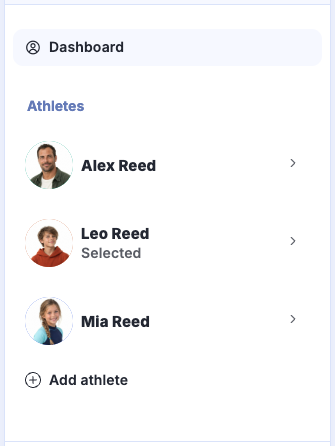
If the button is missing, enable I am the athlete’s parent/legal guardian in Account settings and save your changes.
-
Fill in the next child's details and click Save. Repeat for your other children.
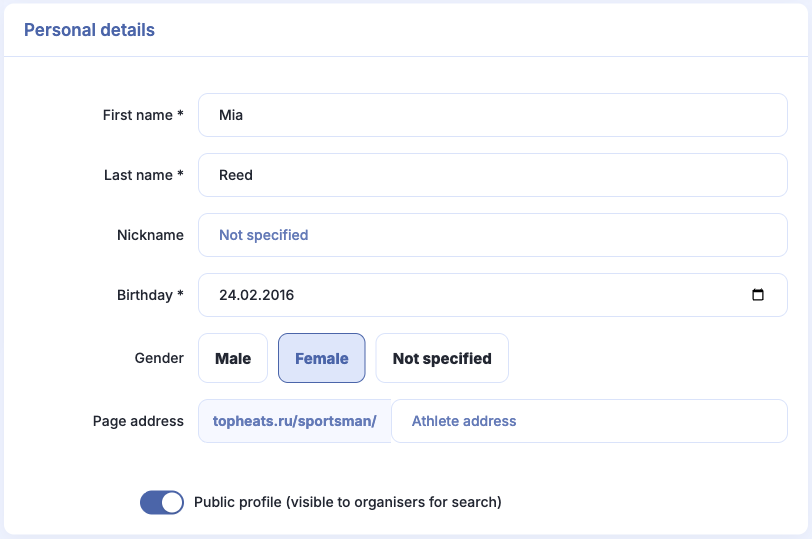
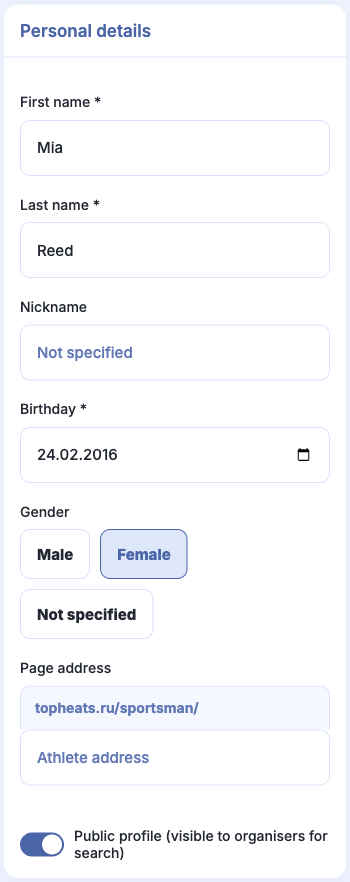
All profiles appear under My athletes on the Dashboard.
Apply for the competition
-
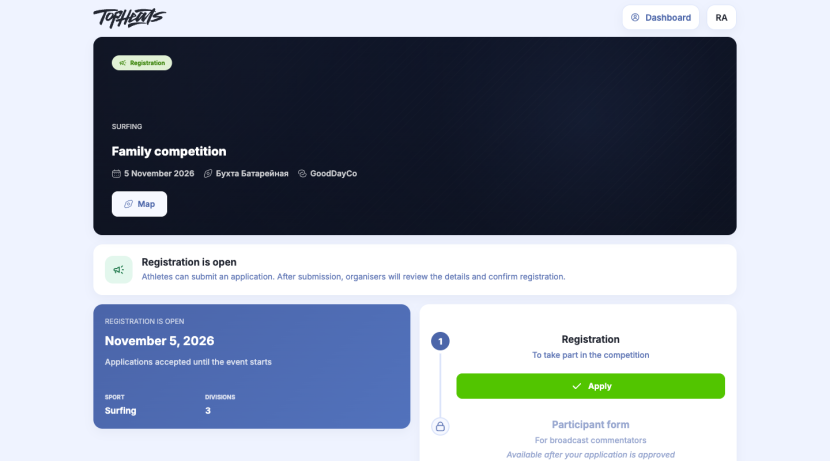
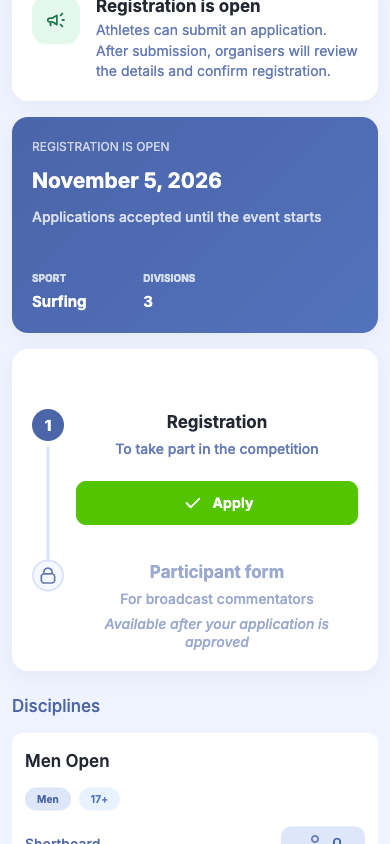
On the competition page, click Apply under Registration.
-
Choose the child under Select athlete.
-
Choose a division. If there are additional questions, answer them. If the form asks for a photo, add the child's photo. We recommend using a portrait photo. If Parent / legal guardian appears, enter your own contact details.

-
Click Submit application. Once approved, the child will appear in the participant list.
Register the remaining children
Click Register the next athlete, choose the right child and submit their application. Repeat for all your children.


If you have returned to the competition page, click Registration to start another application.
Editing an application
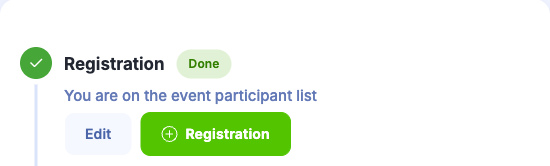
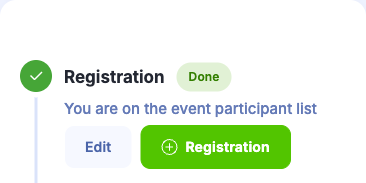
Click Edit under Registration, select the child and edit their answers. Click Update details. An edited application is reviewed again.
Complete the participant form
If the organiser has added a questionnaire, click Complete the form after the application is approved. Select the child and answer the questions. Complete a separate form for each child. Answers are visible on the competition page.