
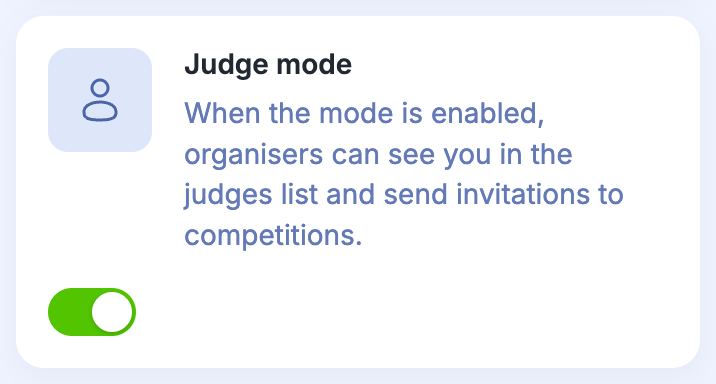
Judge mode makes your account available to organisers for invitations to competitions. Enabling it does not assign you to a specific event.
- Open Account settings.
- Enable Judge mode so organisers can find you by your email address.

Give the organiser your account email so they can find you and add you to the event’s judging panel.
Once you have been assigned to an event, open Dashboard and select it from the events available for judging. Wait for the head judge to start a heat before entering scores.