
-
In My events, click Create event.
-
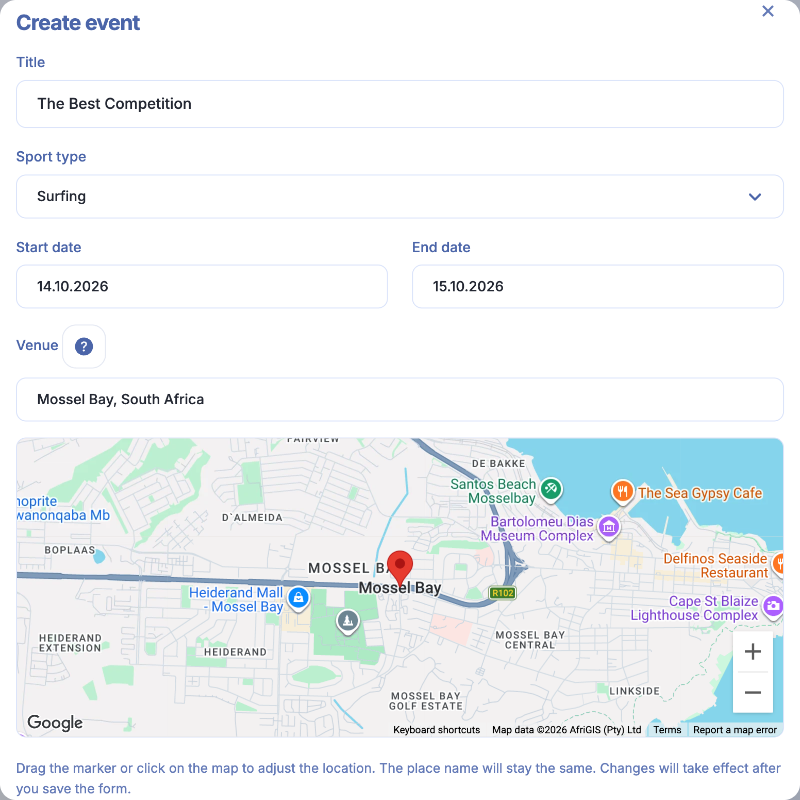
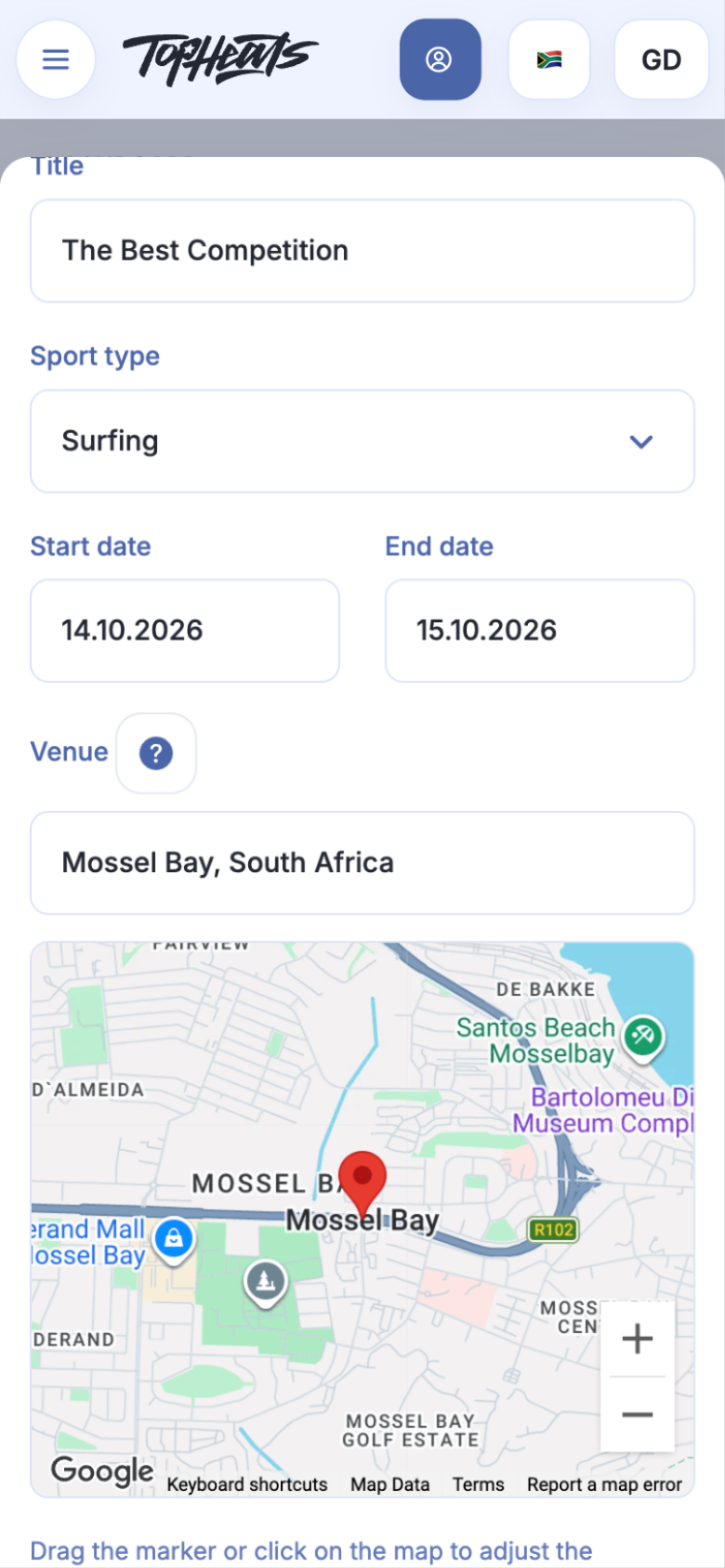
Enter the title, sport type and event dates.
-
Add a venue if needed. You can enter its name manually; choosing a Google suggestion also places a pin on the map.
Once you have chosen the location, you can add directions to the label, such as “Meet us by the water.” Editing the text keeps the pin in place. You can move the pin on the map if the location needs adjusting.
-
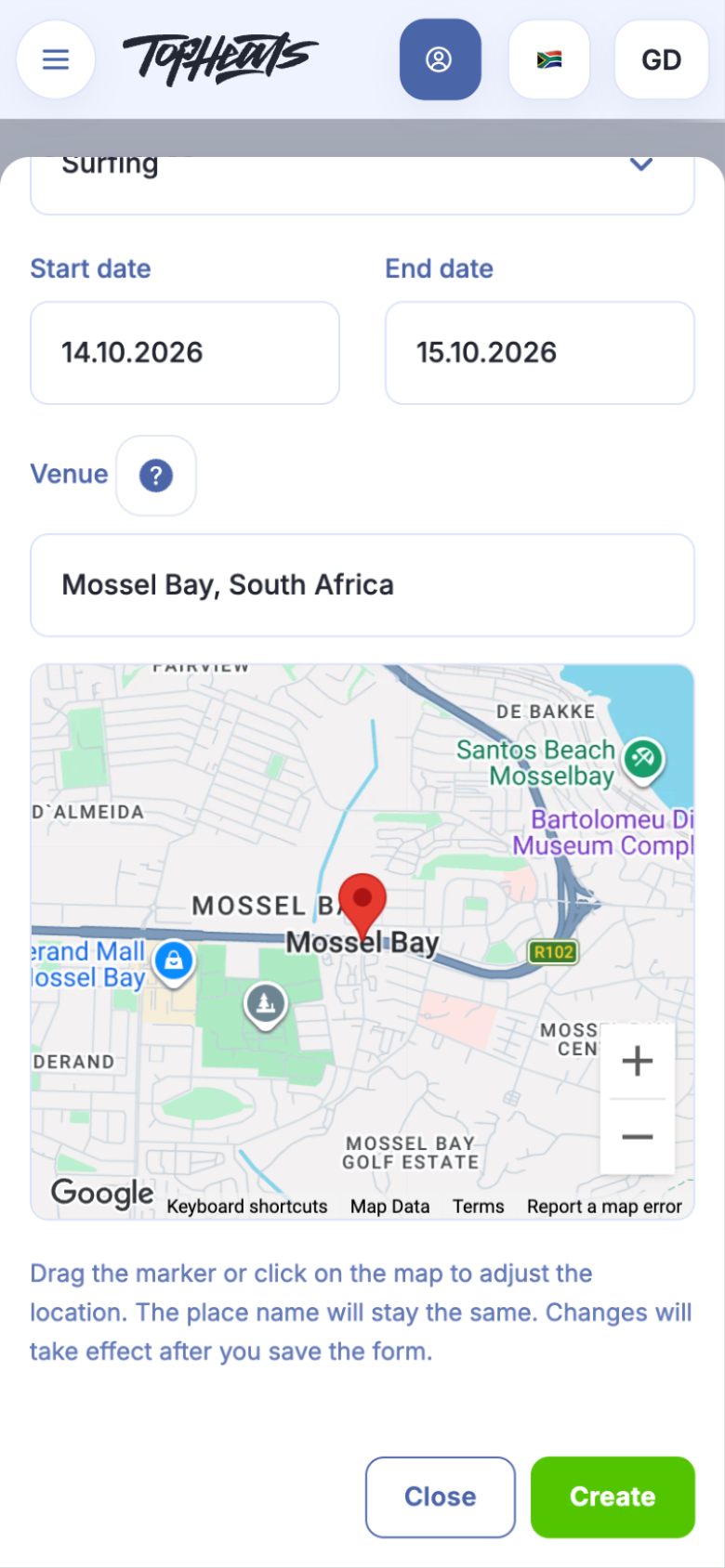
Click Create.
The empty Divisions page opens. The event is saved with the status Do not publish.
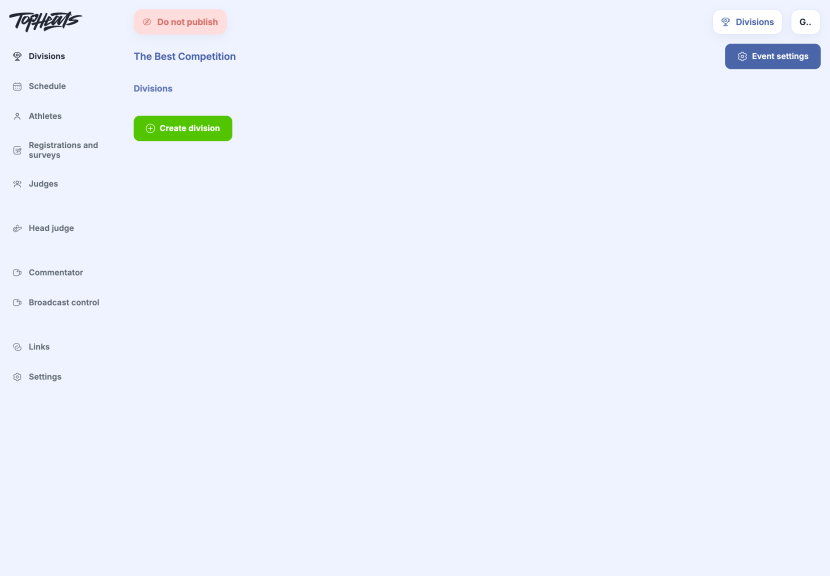
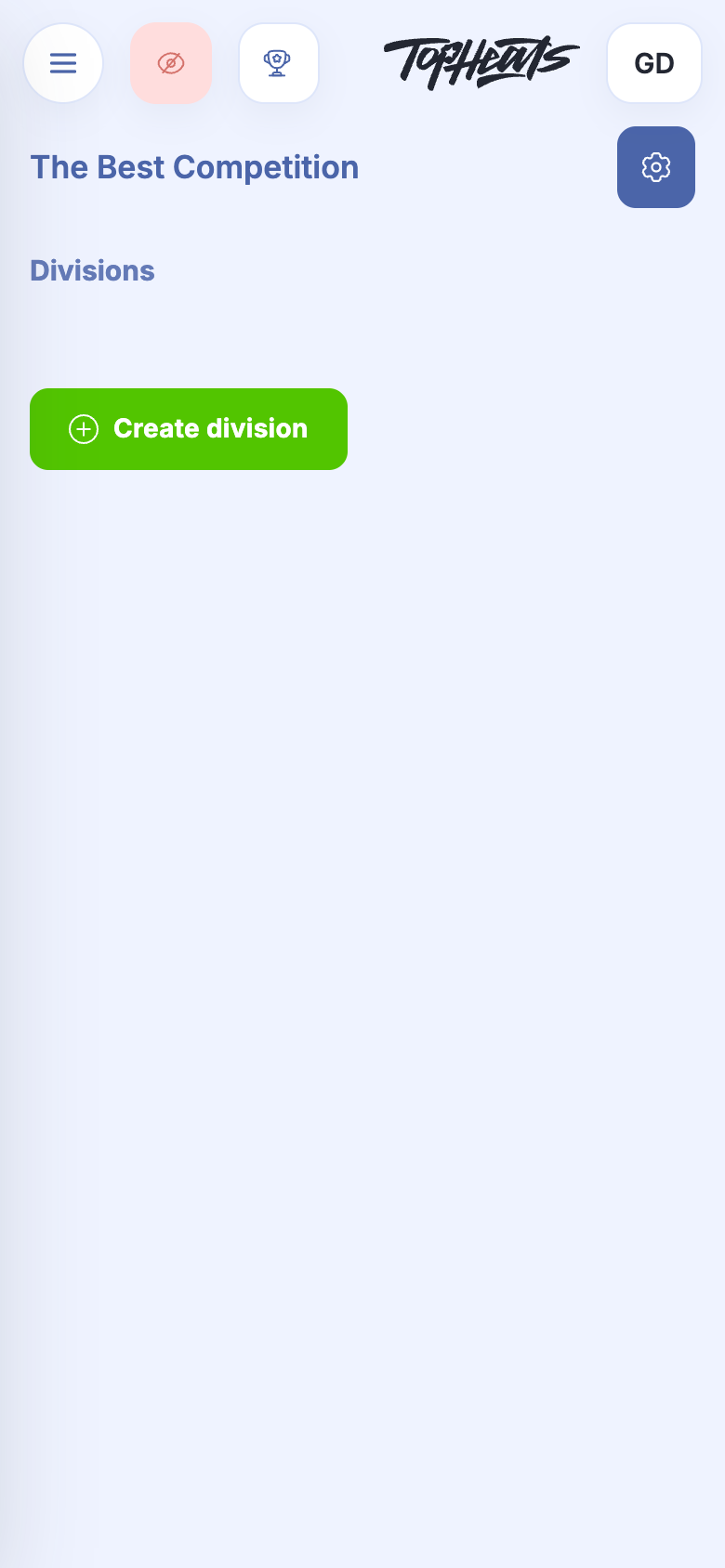
Before adding divisions, it is useful to configure the event: heat duration, judging and jersey colours. These are the event's general settings, which later settings build on.
You can change the sport type in the event settings before creating the first division. Once divisions exist, contact support to change it.