
The head judge normally starts heats in schedule order. In an emergency, you can start heats in any order by opening the required heat through its division.
Starting from the schedule
-
Check the event schedule: the heat you intend to run should be first.
-
Before the event starts, we recommend setting its status to Waiting for start. Starting a heat then changes it automatically to Live.


-
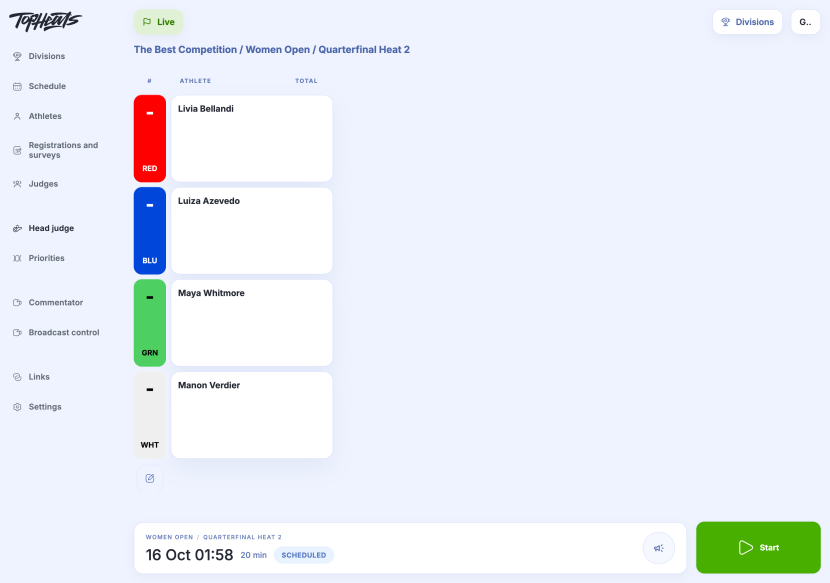
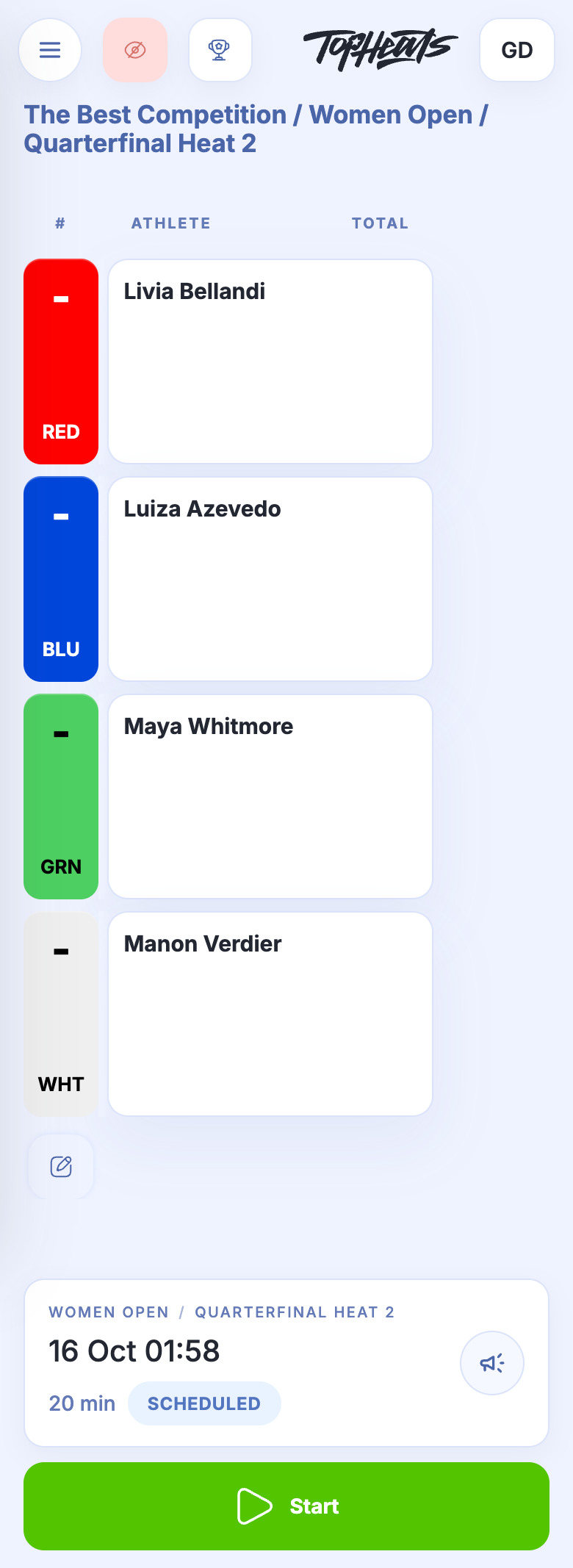
Open Head judge in the event menu. Check the division, round, heat number and athletes.
-
Click Start. The countdown begins and scoring judges can enter scores.
On the Head judge page, finishing a heat automatically opens the next heat in the schedule.
Starting a specific heat
Use this route when an athlete is late or a heat needs to run out of order.
-
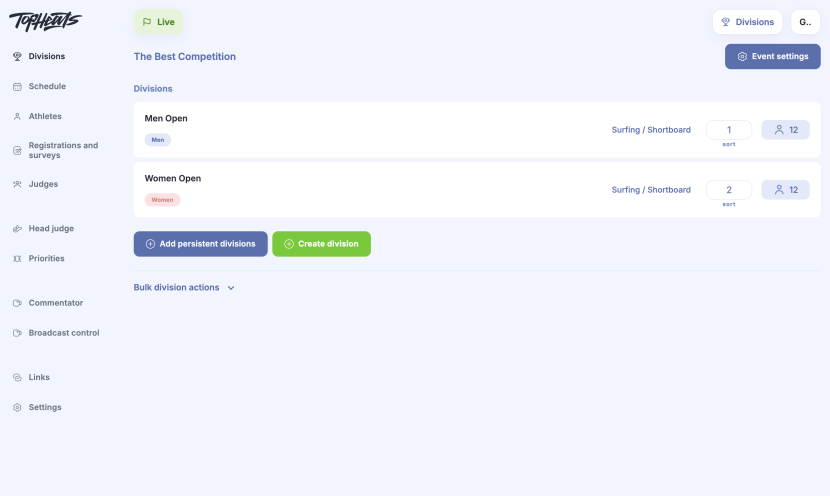
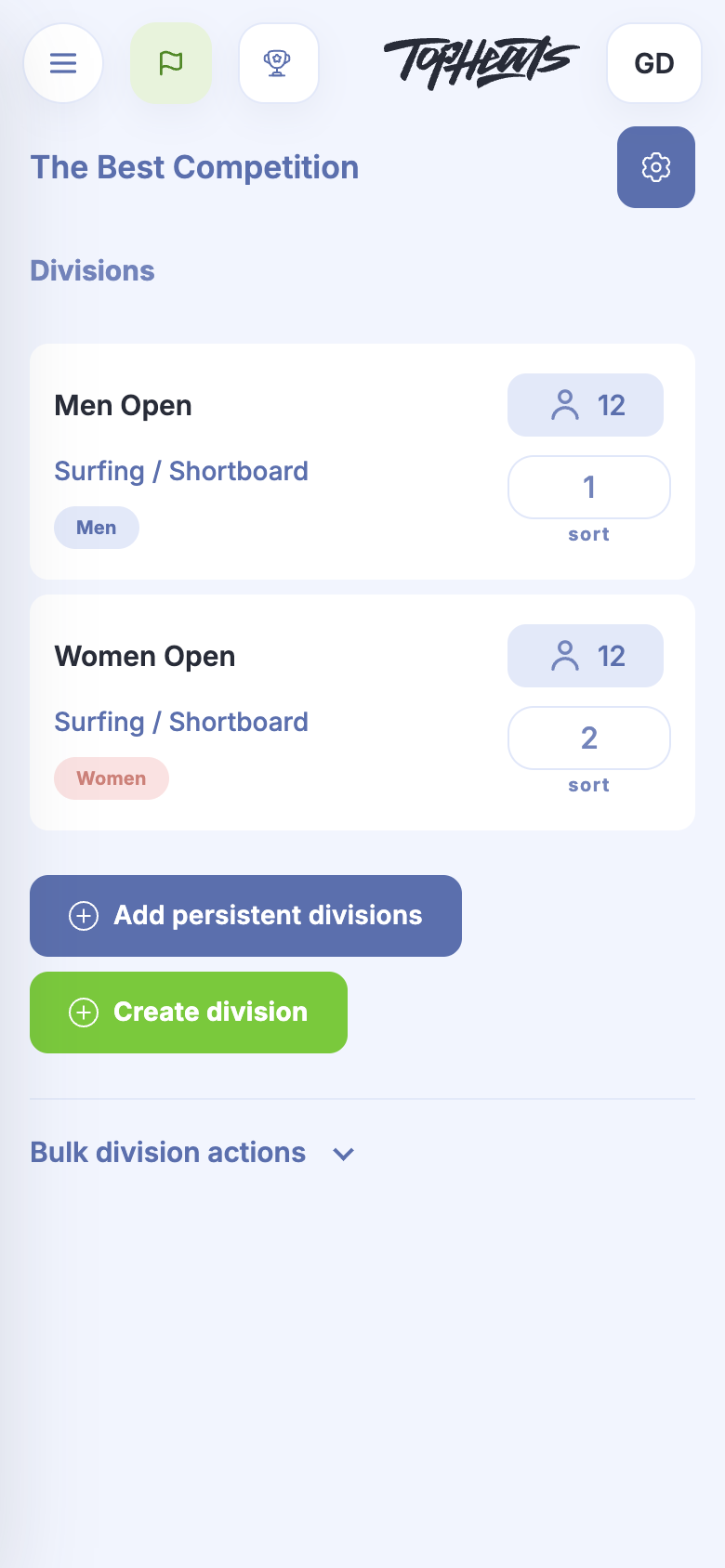
Open Divisions and select the division.
-
Click View for the required heat, check its athletes and click Start.
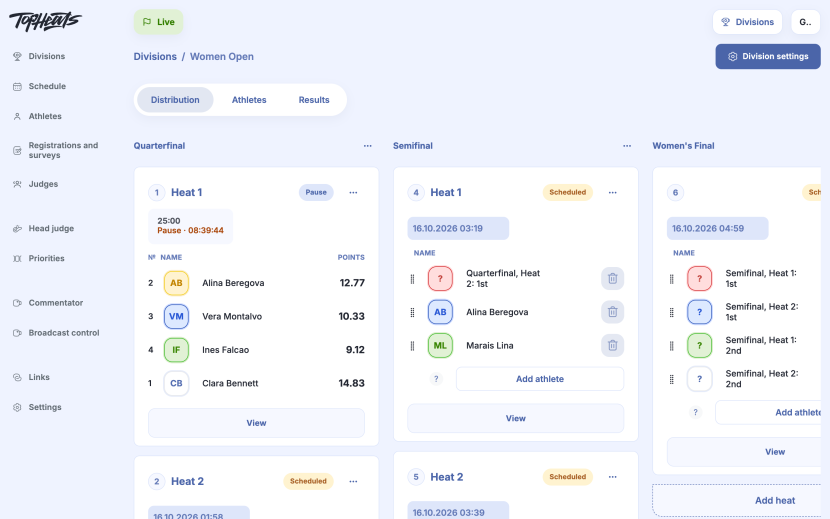
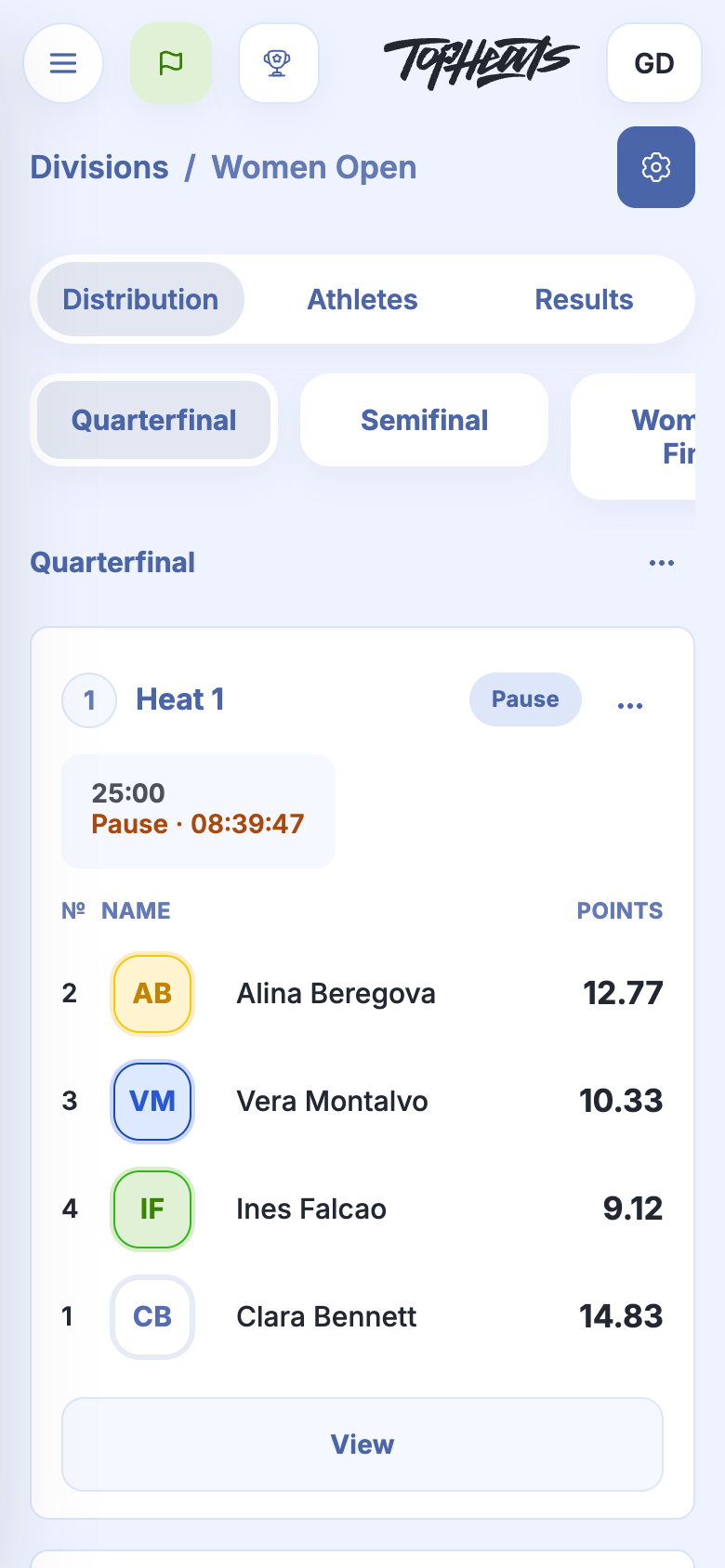
When you open a heat directly through a division, finishing it does not automatically open the next one. Return to Head judge or select another heat yourself.
We recommend finishing a heat only after all judges have entered their scores and any outstanding questions have been resolved. The timer ending does not mean that the results have been checked.